Year-end decisions
🎓 Principal
At the end of the school year, you must record an academic decision for each student. This decision determines what happens to them at closure: promotion to the next class, repeating the year, graduation, or leaving the system.
The 5 possible decisions
| Decision | Code | Effect at closure |
|---|---|---|
| Promoted | PROMOTED | Student is automatically enrolled in the next class of the new year |
| Repeating | REPEATING | Student stays in the same class for the new year |
| Graduated | GRADUATED | Student completes their cycle — their file is archived |
| Excluded | EXCLUDED | Student leaves the school — their file is archived |
| Transferred | TRANSFERRED | Student joins another school — their file is archived |
Automatic suggestions
HEMLE proposes automatic decisions based on the student's averages for the year.
- Select a class
- Click "Automatic suggestions"
- HEMLE calculates and proposes a decision for each student (PROMOTED if the average is sufficient, REPEATING otherwise)
- You can accept the suggestion or change it manually
Entering a decision manually
For each student:
- Click the "Decision" button at the end of the row
- Select the decision
- Add an optional comment (reason, deliberation notes)
- Confirm
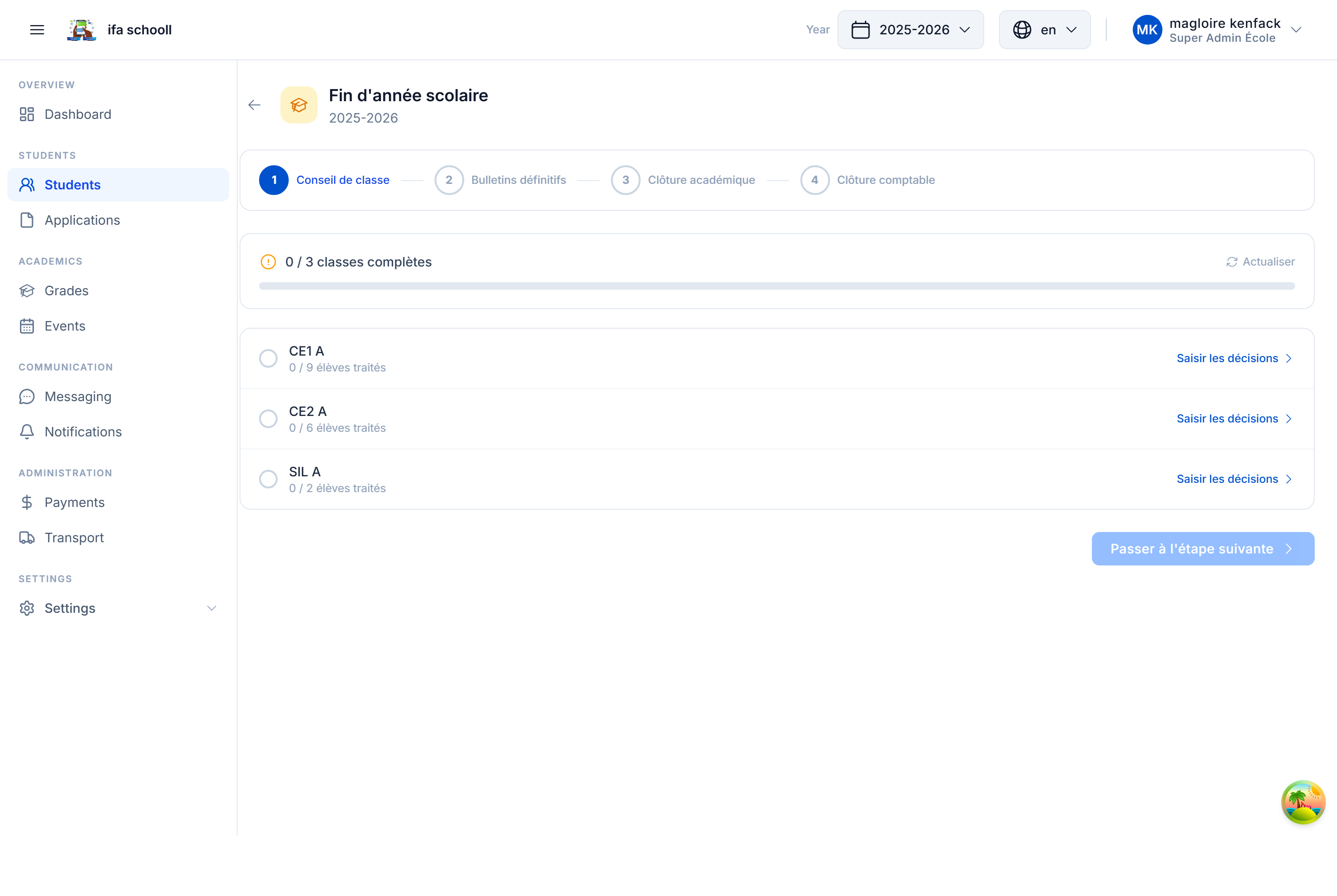
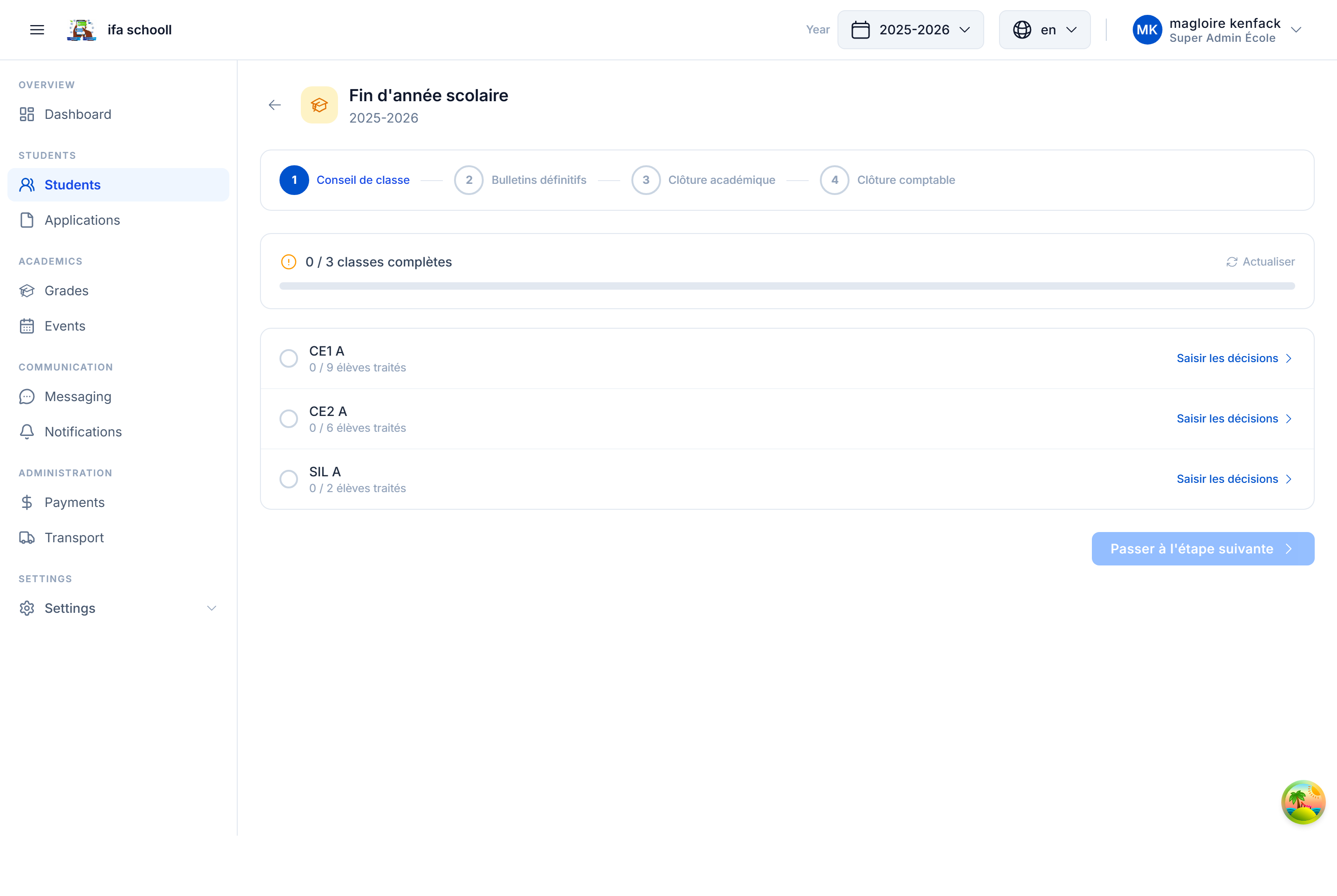
Tracking progress
A progress dashboard shows for each class:
- Number of decisions entered / total students
- Completion percentage
You can also view the overall status of all classes.
All decisions must be entered before closure
The closure checklist will block if some students do not yet have a decision. Make sure to cover all students.
Exporting decisions
Click "Export" to download a CSV file filtered by decision:
- List of promoted students
- List of repeating students
- List of graduated students
- etc.
→ Next step: Year-end closure