Transactions
💰 Accountant
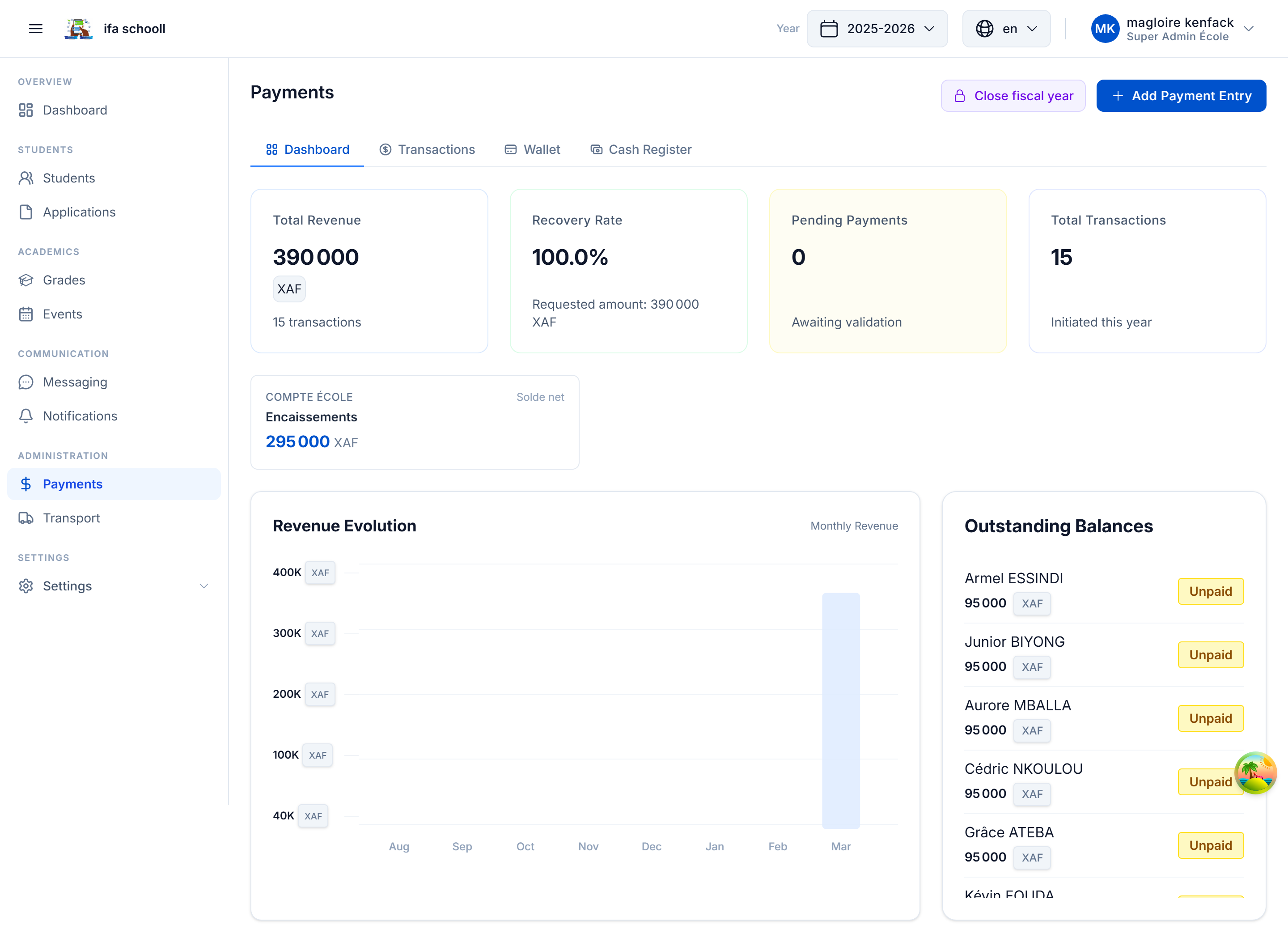
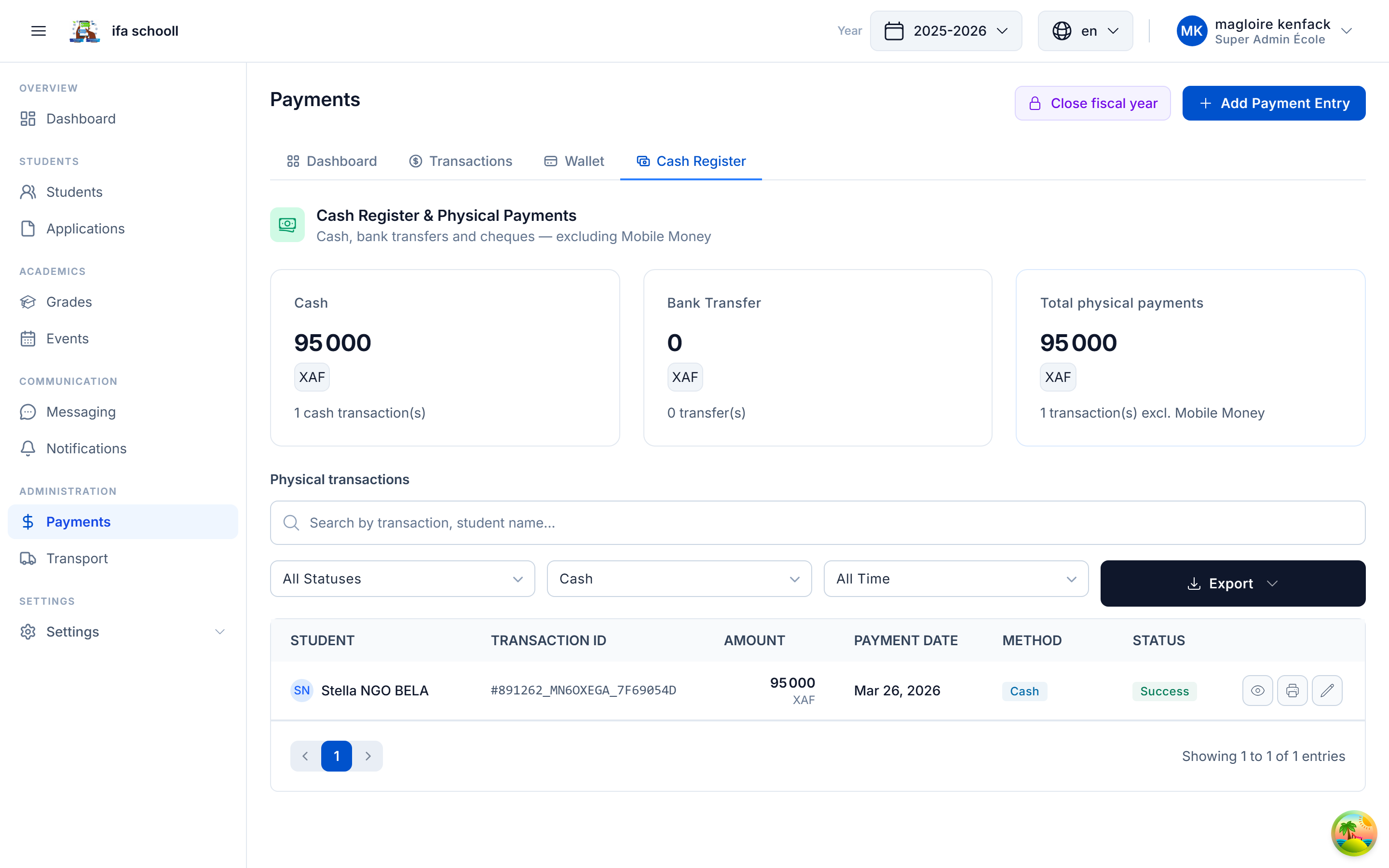
The Payments page centralises all the school's financial transactions: tuition fee collections, event payments, and other movements.
Overview
At the top of the page:
- Revenue chart — evolution of collections over the period
- Statistics cards — total collected, this month's transactions, unpaid amounts
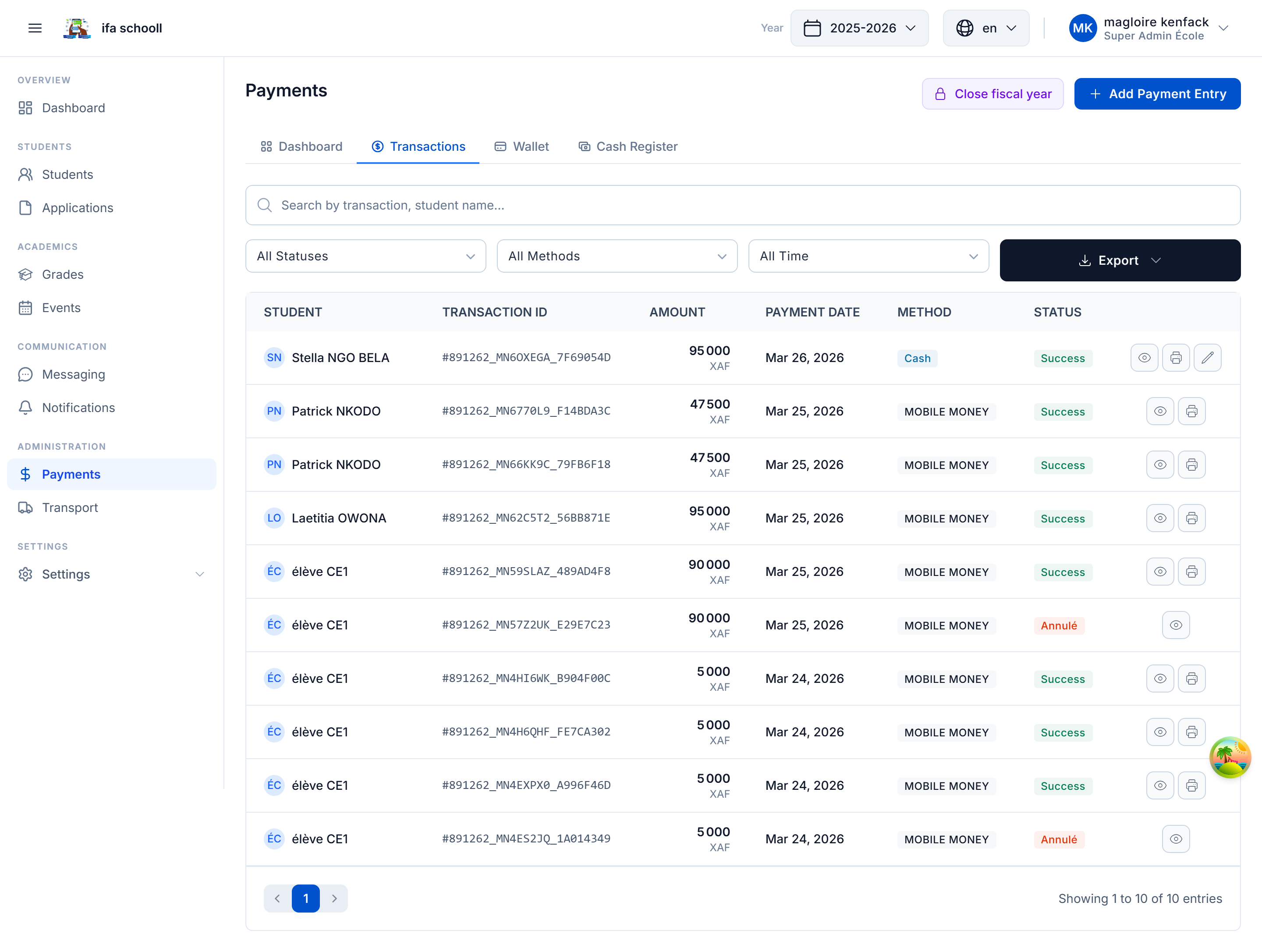
Transaction table
Each row represents a transaction with:
- Date and time
- Student name
- Fee type
- Amount
- Payment method
- Status
- Reference / receipt
Available filters
- By period (start date / end date)
- By fee type
- By status
- By payment method
- Search by student name
Transaction statuses
| Status | Meaning |
|---|---|
| COMPLETED | Payment confirmed and recorded |
| PENDING | Awaiting confirmation (Mobile Money) |
| FAILED | Payment failed |
| REFUNDED | Refunded |
Editing a transaction
Transactions can be edited (error correction) by a user with the PAYMENTS_MODIFY permission:
- Click on the transaction
- Click "Edit"
- Correct the information
- Save with a reason for modification
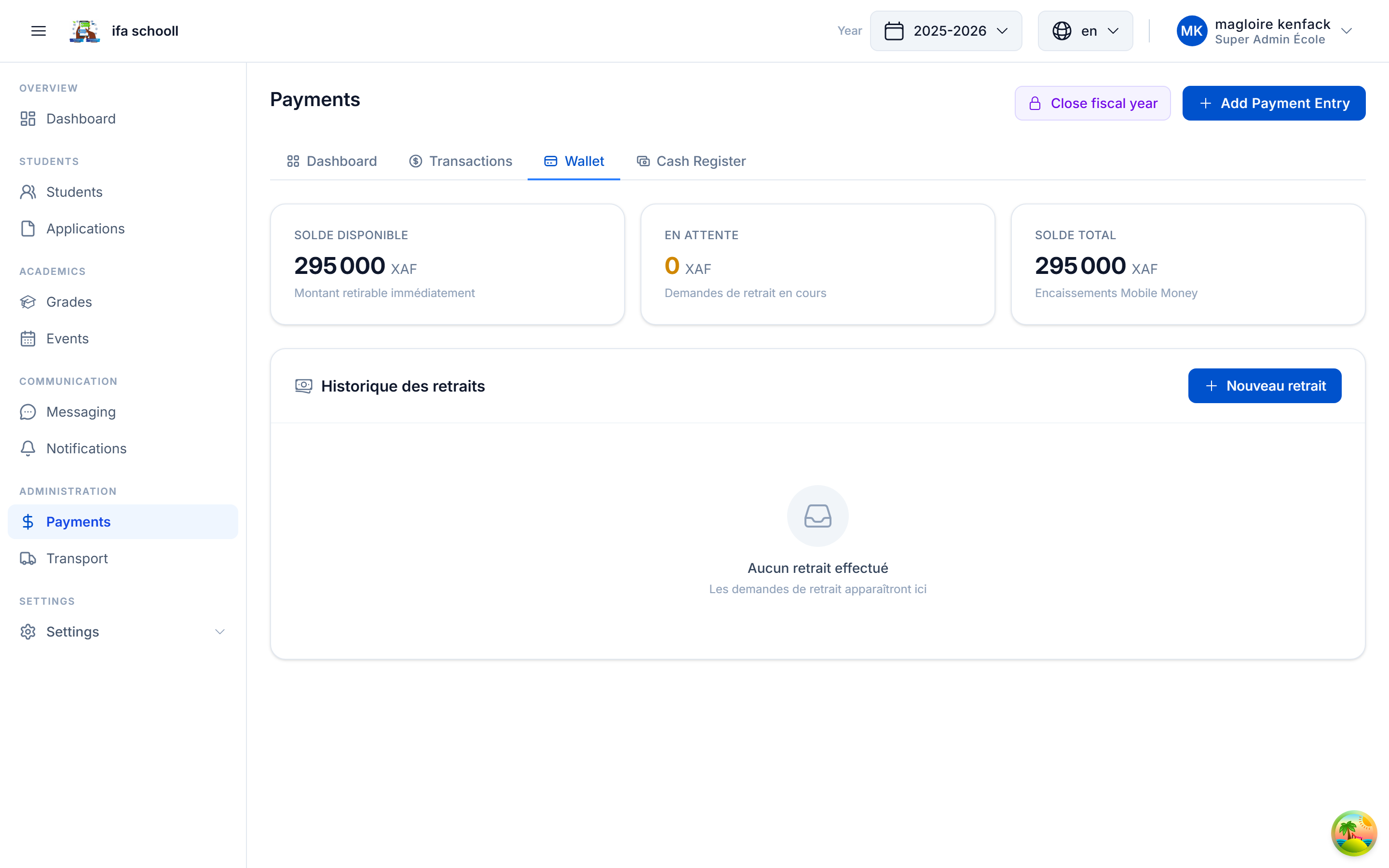
Account balance
Shows the school's current balance: total payments received minus any refunds.
PawaPay transactions (Mobile Money)
Payments initiated by parents from the mobile app via PawaPay appear with PENDING status until confirmed. The update is automatic (webhook).