School transport
If your school offers a school transport service, configure drivers and routes here. This step is entirely optional.
1. Add drivers
For each driver:
| Field | Description |
|---|---|
| Full name | Driver's first name and last name |
| Phone number | Contact number (international format) |
Click "Add driver" — they appear in the list.
From Settings → Transport, you can complete the driver's profile with: licence number, licence expiry date, photo.
2. Configure routes
For each bus route:
| Field | Description | Example |
|---|---|---|
| Route name | Line identification | North Line — Bastos |
| Bus capacity | Number of available seats | 35 |
| Operating days | Checkboxes: Mon, Tue, Wed, Thu, Fri, Sat, Sun | Mon → Fri |
Route stops
Enter each stop and click "Add stop". Stops are listed in order of passage.
Examples of stops: "Bastos Roundabout", "Nlongkak Roundabout", "School — Main entrance"
Timetables
For each timetable:
- Enter the time (e.g.
07:30) - Add an optional description (e.g. "Morning departure" / "Return 16:00")
- Click "Add timetable"
Accessing the transport module after onboarding
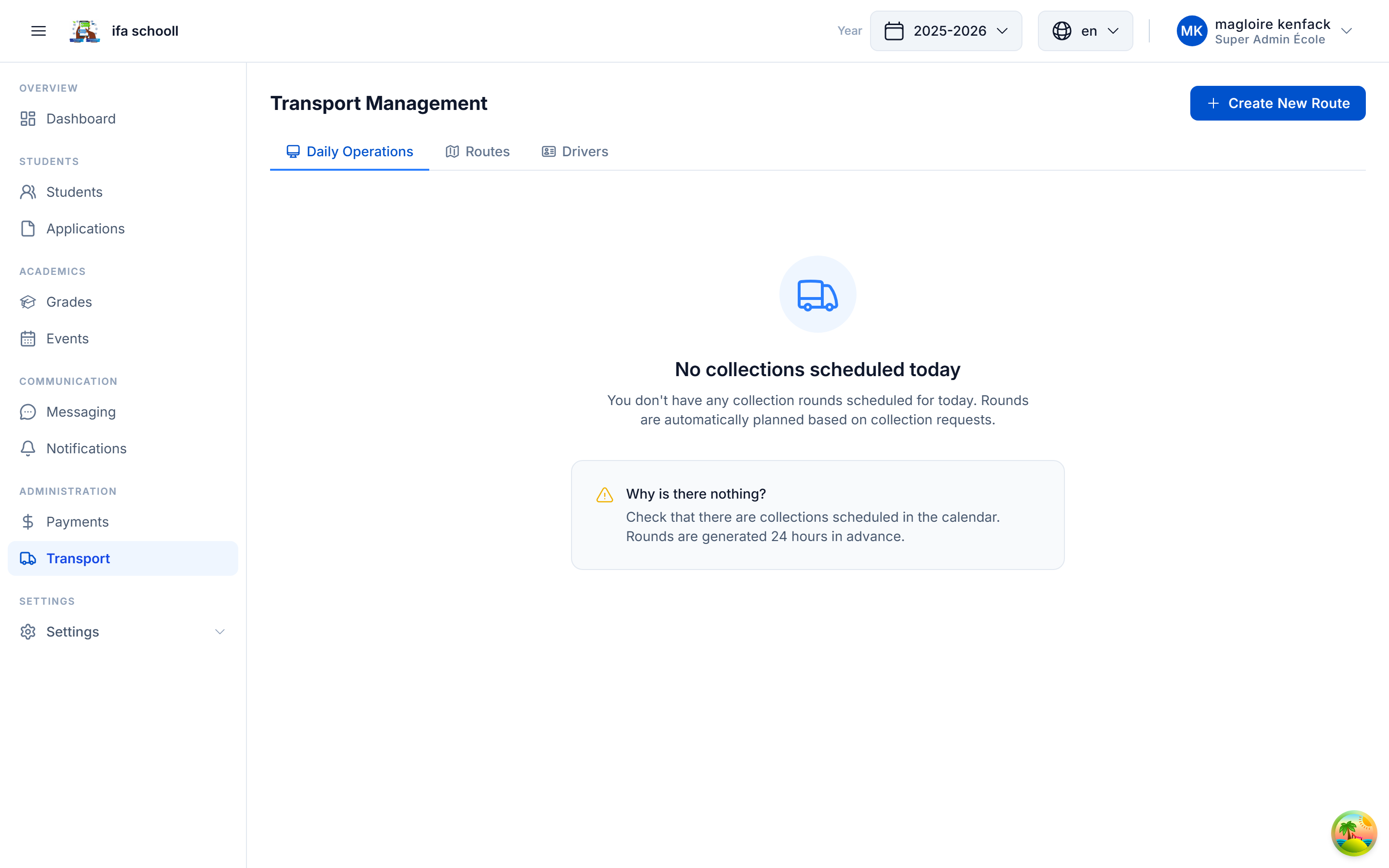
The full transport module is accessible from the main navigation bar: Transport → view of routes, drivers and assigned students.
Parents see the available routes from the mobile app (school Transport section).
If your school does not offer transport, skip this step. The transport module can be enabled or disabled at any time.
→ You have completed onboarding! Proceed to Roles & permissions configuration