Official documents
🎓 Principal
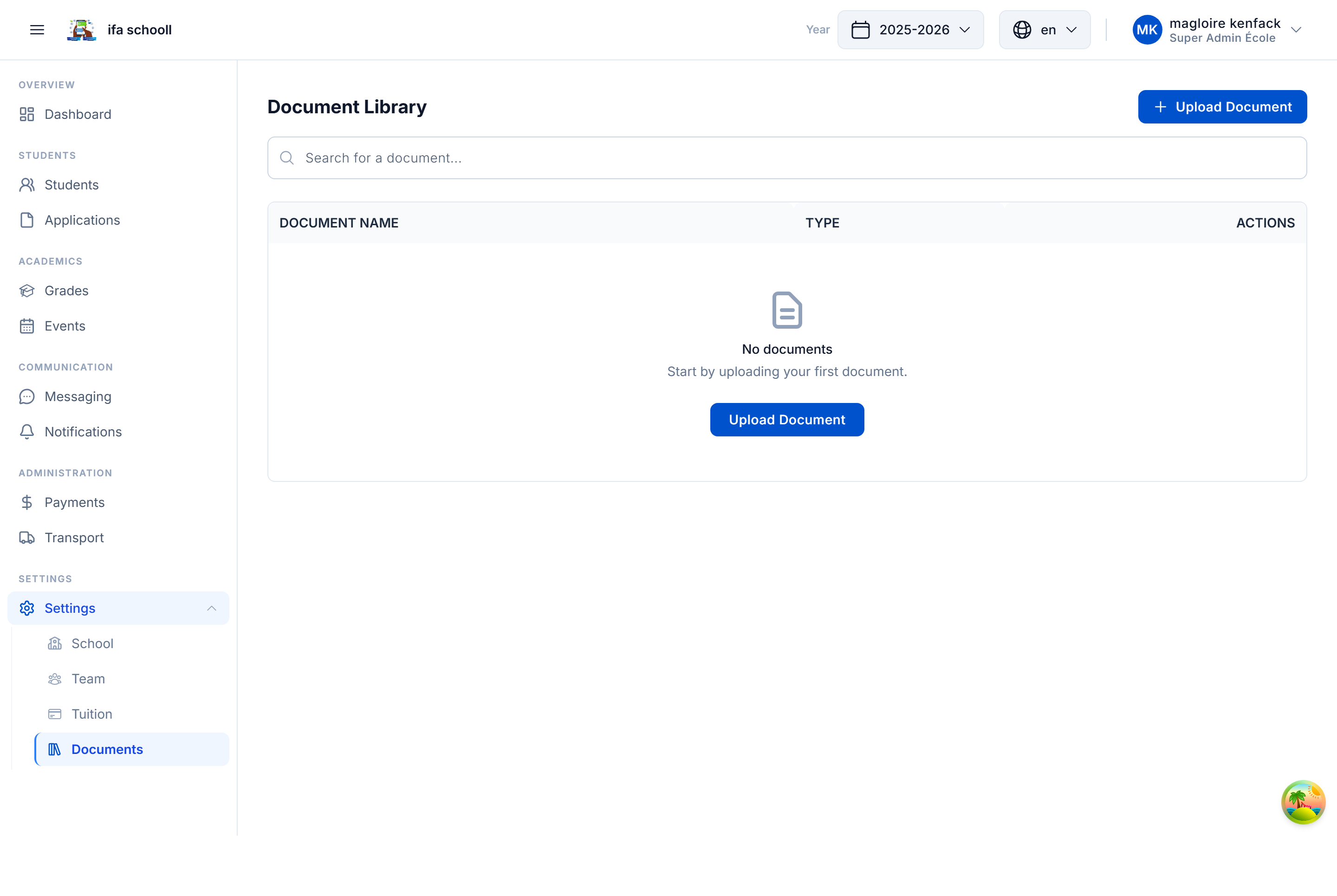
Centralise your school's official documents in the HEMLE document library. These documents are stored securely and accessible to the whole team according to their permissions.
Recommended document types
- School opening authorisation
- School regulations / Code of conduct
- School charter
- Standard contracts (parents/students)
- Official administrative documents
- Ministry of Education circulars
How to upload a document
- Click "Add a document" or drag the file into the upload area
- Enter a descriptive name for the document
- Confirm the upload
Accepted formats: PDF, DOC, DOCX, JPG, PNG
Accessing the library after onboarding
All documents can be viewed from Settings → Document library.
Team members with the SETTINGS_VIEW permission can access the library.
This step is optional
Documents can be added at any time. If you don't have your documents to hand, skip this step.
→ Next step: School transport