Record a payment
💰 Accountant
Quick guide for recording a payment received from a parent or guardian.
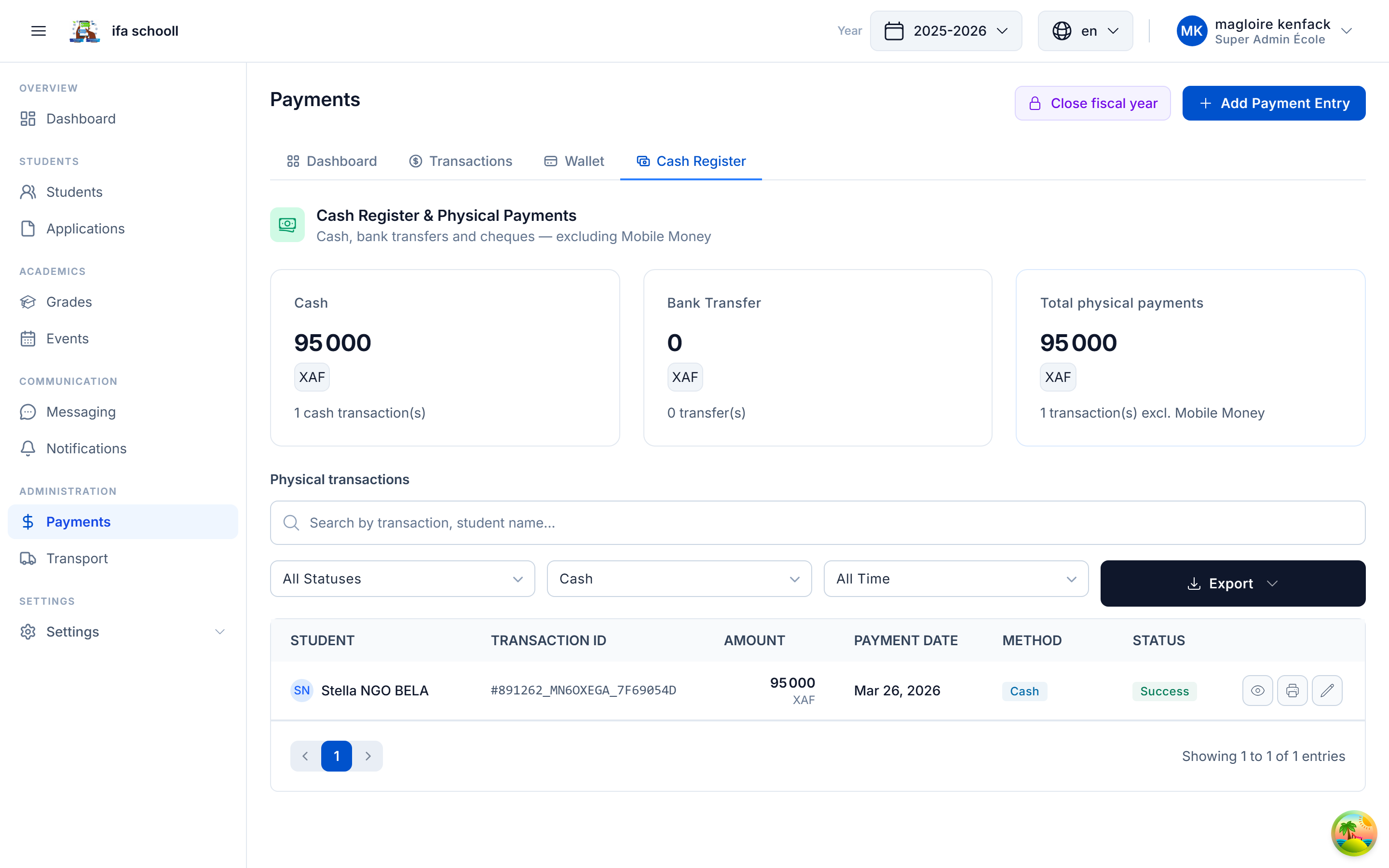
From the student profile (recommended)
- Students → search for the student
- Open the profile → "Fees" tab
- Click "Record a payment"
- Enter the amount, fee type, payment method
- Confirm
The fee sheet updates instantly.
Fee types
| Code | Label |
|---|---|
PAY_TUITION | Tuition |
PAY_REGISTRATION | Registration |
PAY_TRANSPORT | Transport |
PAY_CANTEEN | Canteen |
PAY_UNIFORM | Uniform |
PAY_EXAM | Exams |
PAY_EVENT | Event |
PAY_OTHER | Other |
Payment methods
- Cash — in-person payment
- Mobile Money — MTN MoMo, Orange Money, etc.
- Bank transfer
- Cheque
Instalment payment
If fees are configured in multiple instalments, the system shows which instalment is pending. Select the relevant instalment when recording.
Quick balance check
To check a student's balance without recording a payment, go to their profile → "Fees" tab. The summary shows at a glance the total due, paid and remaining.