Report cards
🎓 Principal
👩🏫 Teacher
Generate, preview and publish your students' report cards. Upon publication, parents automatically receive a push notification and an email.
What a HEMLE report card contains
A report card automatically compiles:
- Grades for each subject for the period
- Calculated averages (per subject, overall, class rank)
- Absences for the period
- Text assessments based on configured scales
- The school's stamp and information (logo, name, address)
Generating report cards
Individual generation
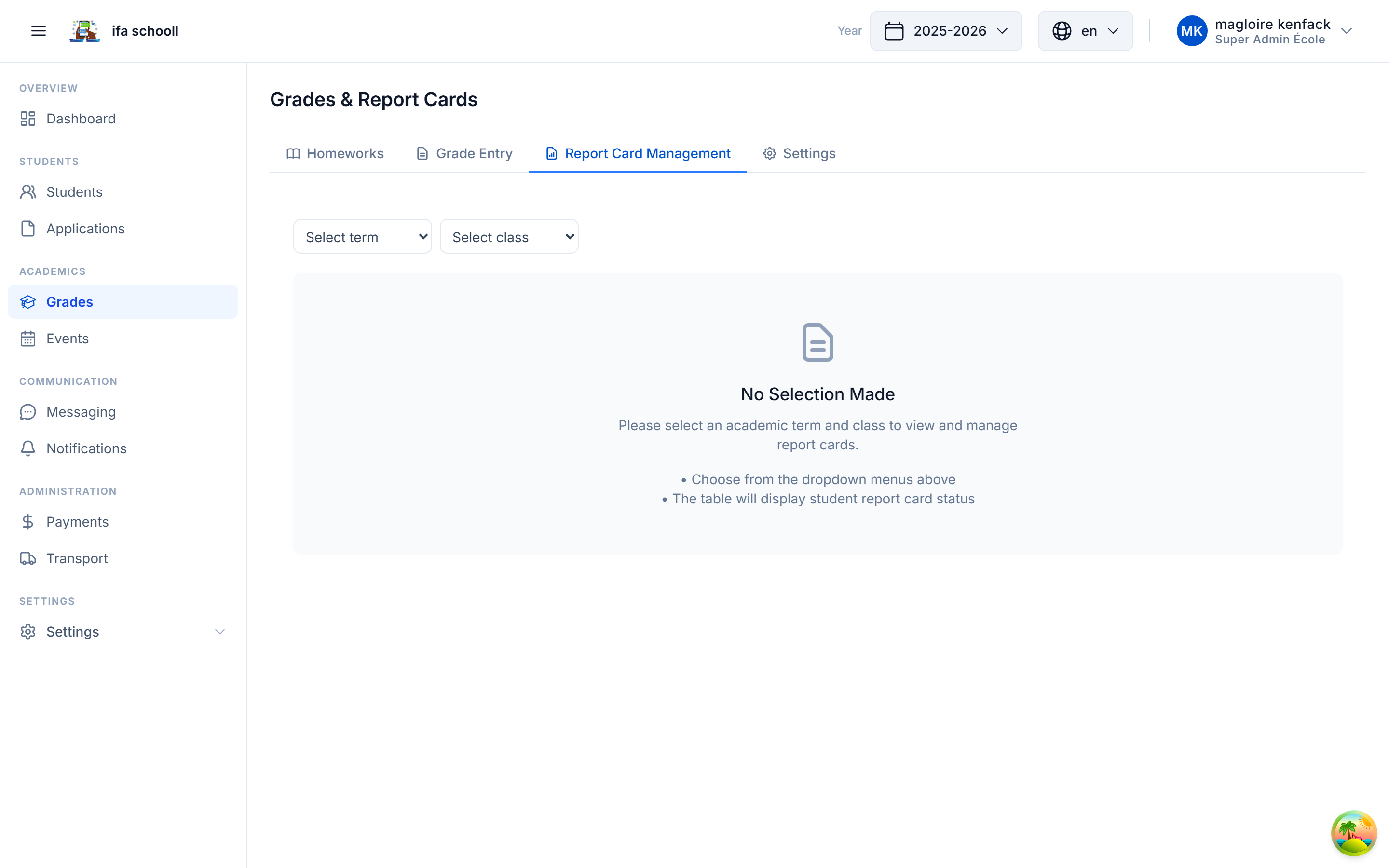
- Go to Grades & Report cards → Report cards
- Select the class and term
- Find the student in the table
- Click "Generate" at the end of the row
- The PDF is generated in seconds — preview it before publishing
Bulk generation (whole class)
- Select the class and term
- Click "Generate all"
- A progress bar shows the progress
- Preview before publishing
Publishing a report card
Publication makes the report card accessible to parents in the mobile app.
- Review the report card in preview
- Click "Publish"
- → The parent receives a push notification: "[First name]'s report card is available"
- → An email is sent to the parent with the PDF attached
- → The report card is accessible from hemle-mobile → Report cards
Bulk publication
Click "Publish all" to publish all report cards for the class at once.
Retracting a report card
If an error is detected after publication, you can retract a report card:
- Open the published report card
- Click "Retract"
- The report card disappears from the parent's mobile app
- Correct the grades if necessary
- Regenerate and republish
Archiving a report card
Archived report cards remain in HEMLE but are no longer accessible in the main view. They can be viewed via the student's academic record.
Permanent academic record
The academic record brings together the student's complete history in the school: all years, all report cards, all promotion decisions. It is accessible to parents from the mobile app.
Report card settings
| Setting | Description |
|---|---|
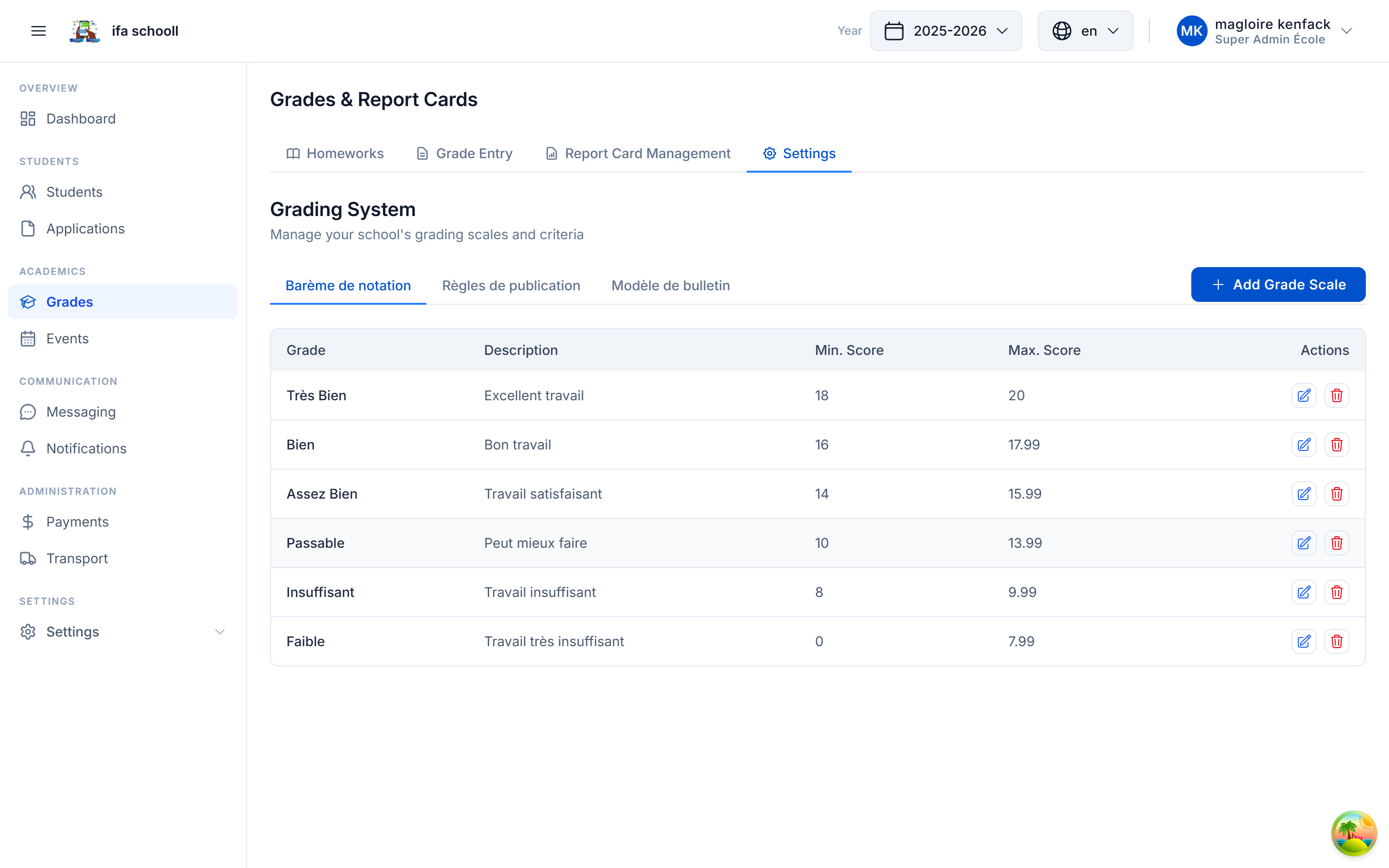
| Grade scales | Configure thresholds: Excellent (≥ 16), Good (≥ 14), etc. |
| Report card template | Customise the PDF layout |
| Publication rules | Define publication conditions |