Messaging
👩🏫 Teacher
🎓 Principal
Communicate directly with your students' parents via the integrated messaging system. Messaging works in real time (WebSocket).
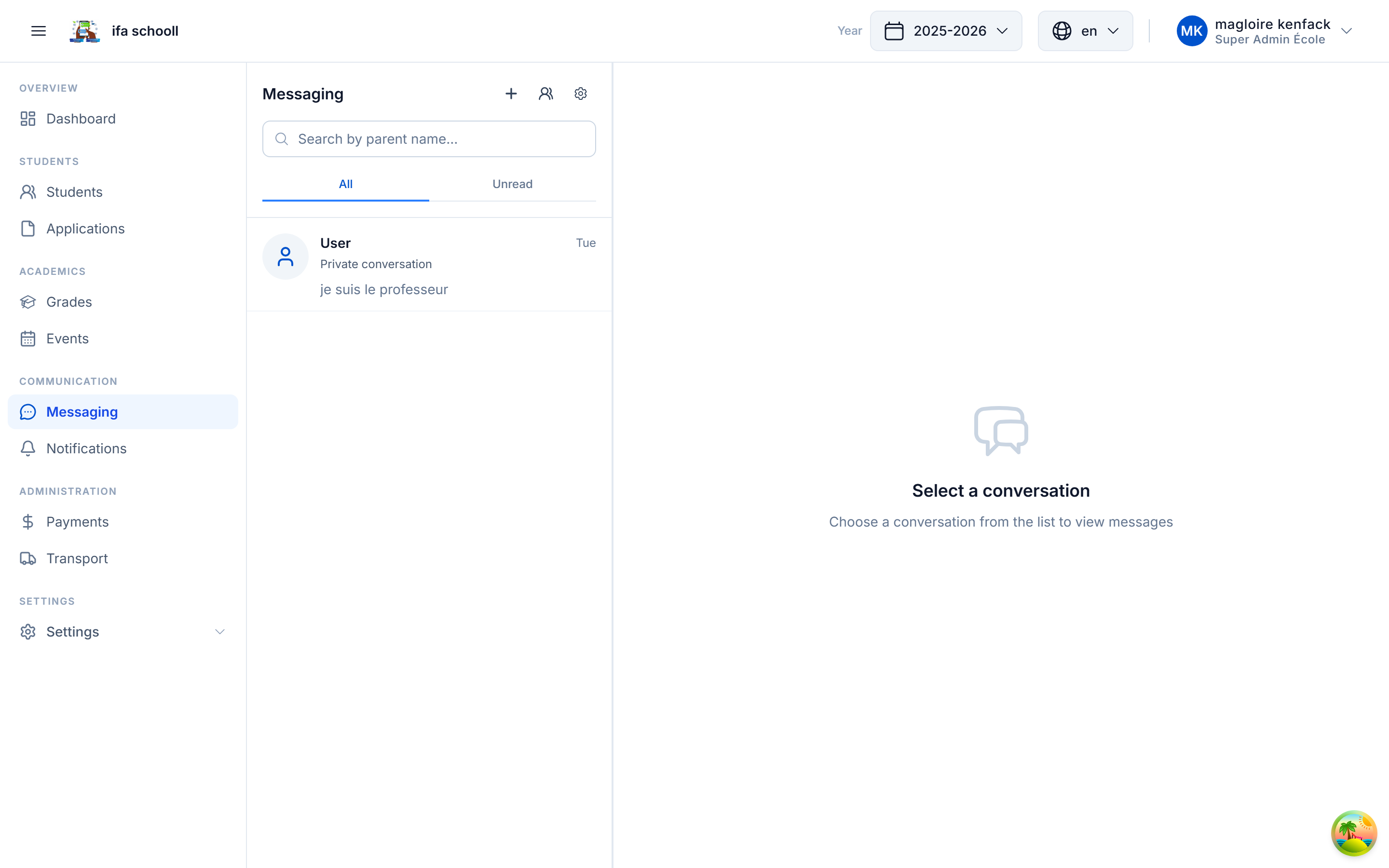
Interface
The messaging panel is split into two sections:
- Left panel — list of your conversations (with unread message badge)
- Right panel — active conversation
Starting a conversation
- Click "New conversation"
- Search for and select the parent (or a team member)
- Write your first message and send
Group conversations
You can create a group conversation (e.g. "Class 6A Parents") to contact all parents of a class at once.
- Click "New message"
- Select multiple contacts
- Give the group a name
- Send your message
Features
| Feature | Description |
|---|---|
| Real-time messages | Messages arrive instantly (Socket.IO) |
| Typing indicator | You can see when the parent is typing |
| Unread badge | Number of unread messages shown in the navigation bar |
| History | All conversations are kept |
| Archived conversations | Old conversations can be archived |
Parent access
Parents receive a push notification for every new message and can reply from the mobile app → Messaging.
Directory
Parents can view the simplified staff directory (name, role, email) from the mobile app to initiate contact.