Homework
👩🏫 Teacher
Assign homework to your students, track completion, and grade them directly from hemle-school. Parents and students receive a push notification for every new assignment.
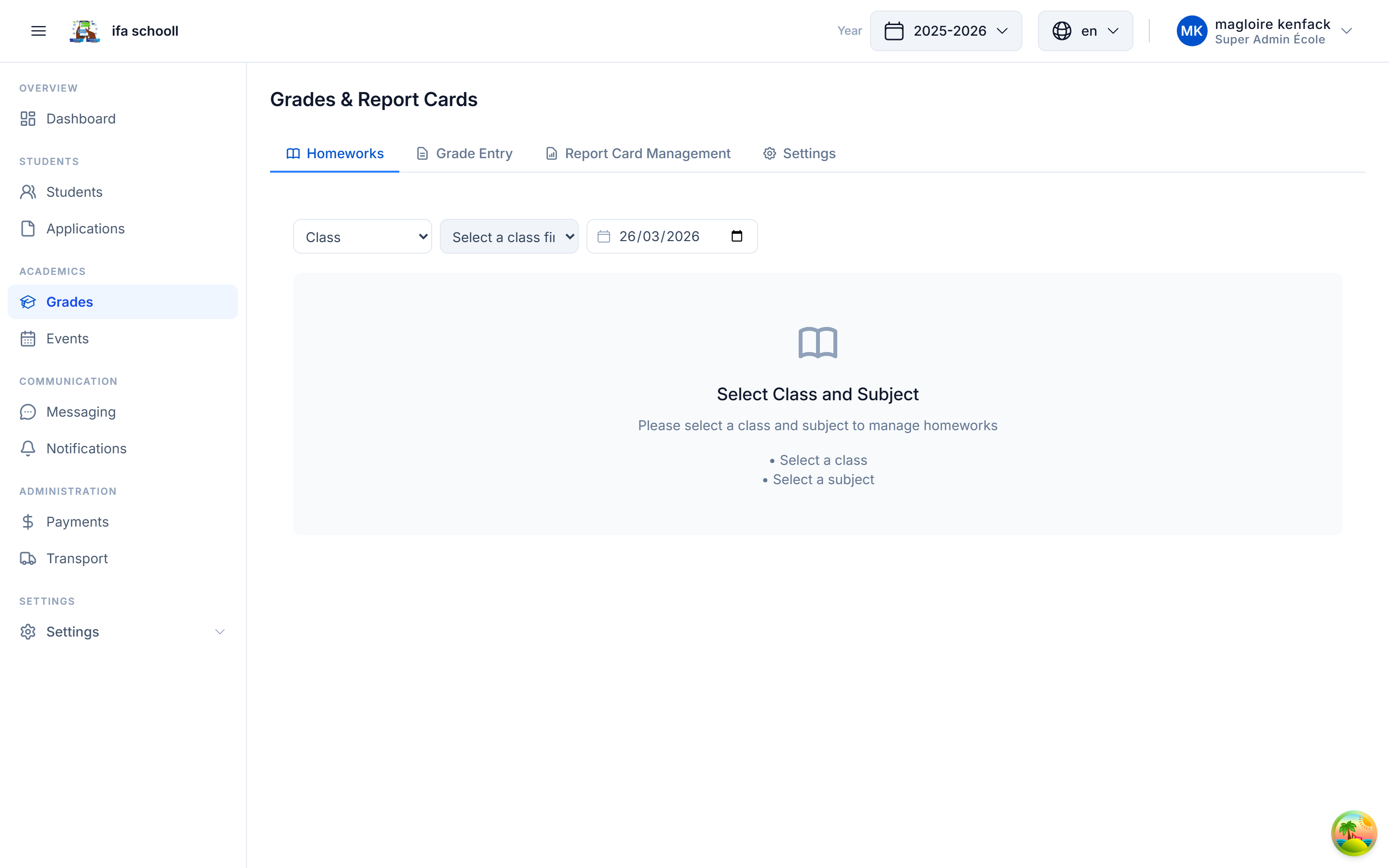
Assigning homework
- Go to Grades & Report cards
- Select the class and subject
- Click on the "Homework" tab
- Click "New homework"
- Fill in:
| Field | Description | Required |
|---|---|---|
| Description | Assignment statement or title | ✅ |
| Subject | Subject concerned | ✅ |
| Due date | Submission date | Optional |
| Comment | Additional instructions | Optional |
- Confirm — the homework is created for all students in the class
Automatic statuses
HEMLE automatically calculates the status of each homework:
| Status | Meaning |
|---|---|
| PENDING | Homework assigned, due date not yet reached |
| DUE_TODAY | The due date is today |
| OVERDUE | The due date has passed, not yet graded |
| GRADED | The homework has been graded |
| NO_DEADLINE | Homework with no due date |
Grading homework
- Open the homework in the list
- Click "Grade"
- Enter:
- Grade (score)
- Teacher comment / feedback
- Confirm — status changes to
GRADED
Class statistics summary
At the bottom of the homework table, a summary shows:
- Total homework assigned
- Number graded
- Number pending
- Number overdue
- Class average
Parent access
Parents see from the mobile app:
- The list of their child's homework
- The status of each assignment
- The grade and teacher comment once graded