Tuition fees
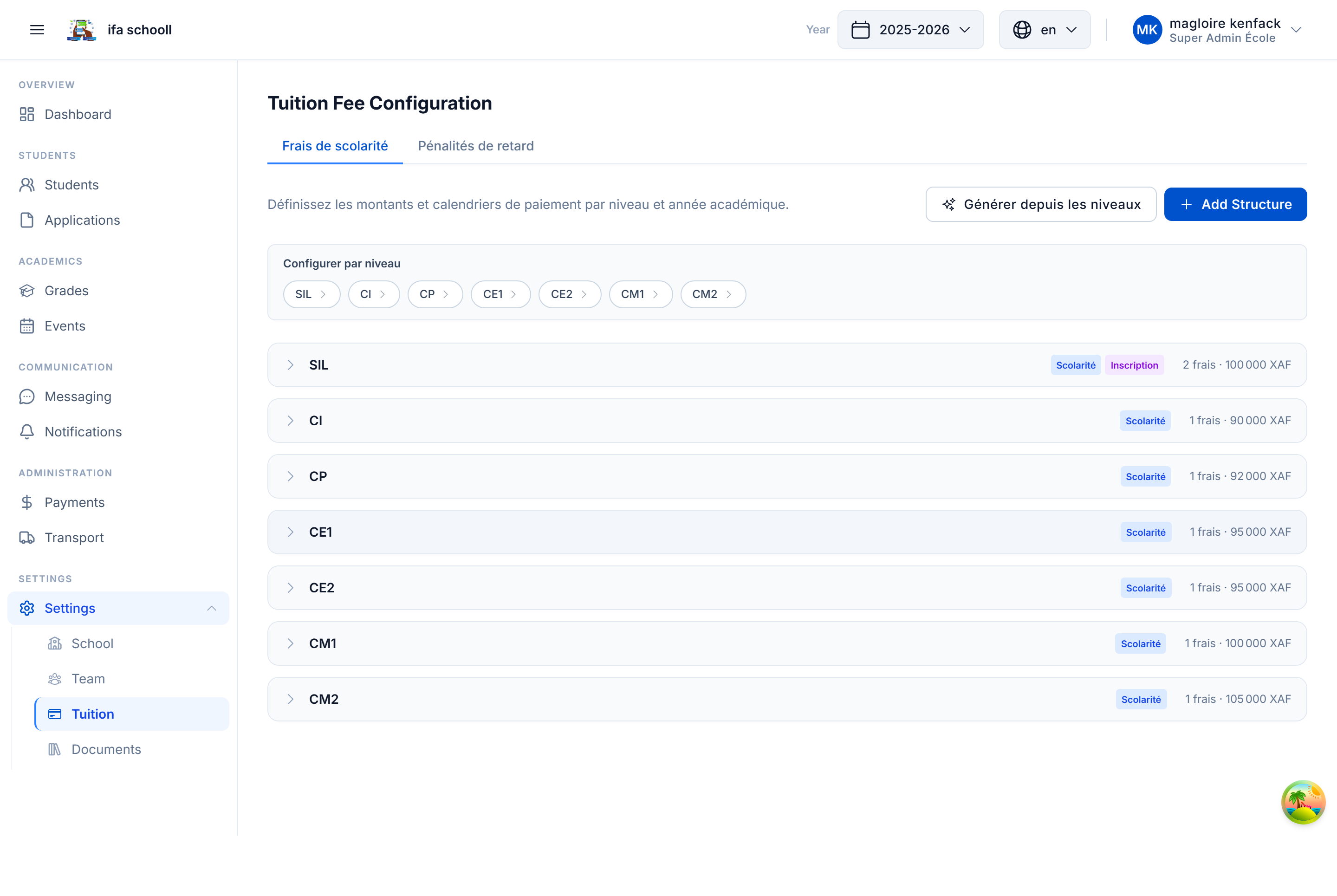
Configure fee structures for each level of your school. These fees will be automatically assigned to students upon enrollment.
Available fee types
HEMLE supports 8 distinct fee types:
| Type | Code | Description |
|---|---|---|
| Tuition | PAY_TUITION | Main school fees — required by default |
| Registration | PAY_REGISTRATION | School registration fees |
| Transport | PAY_TRANSPORT | School transport fees |
| Canteen | PAY_CANTEEN | School catering fees |
| Uniform | PAY_UNIFORM | Uniform fees |
| Exams | PAY_EXAM | Official examination fees |
| Event | PAY_EVENT | Fees linked to a school event |
| Other | PAY_OTHER | Any other type of charge |
Configuration by level
Configuration is done per school level (each level has its own fees). For each level × fee type row:
- Enable the fee type (toggle ON/OFF)
- Enter the amount in local currency
- Mark as required or optional
- Enable instalments if payment is made in multiple payments
Payment in instalments
If you enable instalments for a fee type:
- Enable the "Instalment payment" switch
- Define the number of instalments (e.g. 2 or 3)
- HEMLE automatically calculates the amount of each instalment (rounded, with adjustment on the last instalment)
- Enter the due date of each instalment
Example: Tuition = 180,000 FCFA, 3 instalments:
- Instalment 1: 60,000 FCFA — due 01/10
- Instalment 2: 60,000 FCFA — due 01/02
- Instalment 3: 60,000 FCFA — due 01/05
What happens when a student enrols
When a student is enrolled in a class at a given level, HEMLE automatically generates their individual fee sheet based on this configuration. The accountant then sees the payments to collect per student.
Fees can be modified at any time from Settings → Fee configuration. Changes do not apply retroactively to already enrolled students — they must be updated manually if needed.
→ Next step: Invite your team