School events
🎓 Principal
Organise and manage school events: field trips, ceremonies, parent-teacher meetings, competitions. Parents are notified and can confirm participation from the mobile app.
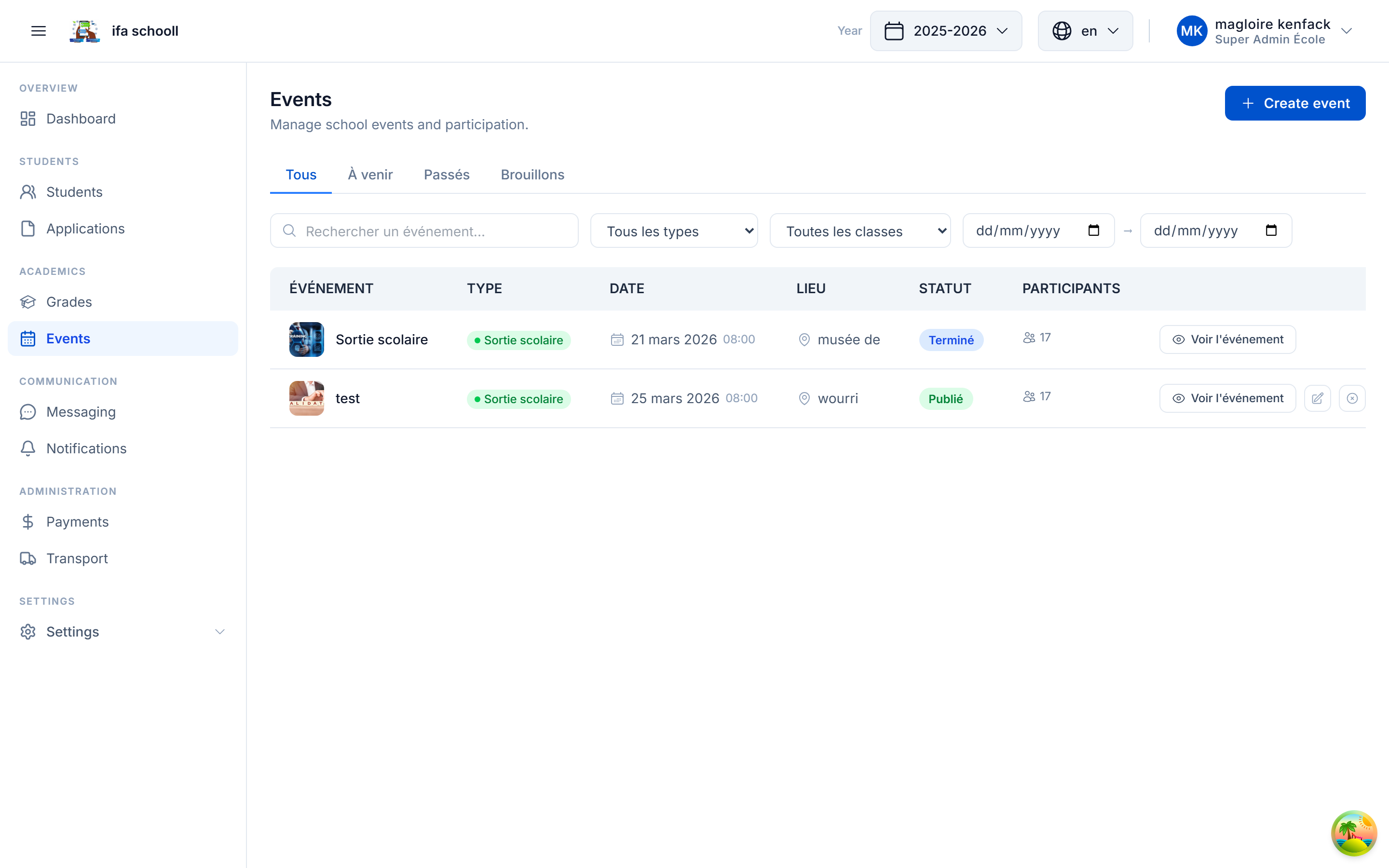
Creating an event
- Go to Events
- Click "New event"
- Fill in the details:
| Field | Description | Required |
|---|---|---|
| Title | Event name | ✅ |
| Type | Field trip / Ceremony / Parent-teacher meeting / Competition / Show / Open day / Workshop / Conference / Other | ✅ |
| Start date | Start date and time | ✅ |
| End date | End date and time (optional for single-day events) | |
| Venue | Venue name | |
| Google Maps link | URL to guide parents | |
| Description | Event details (Markdown supported) | |
| Flyer | Event presentation image | |
| Documents | Forms, parental consent forms (PDF) | |
| Target classes | Select the classes involved or "Whole school" | ✅ |
| Participation fees | Amount if the event is paid |
- Click "Save"
Publishing an event
A created event is first in draft — parents cannot see it yet.
Click "Publish" to make it visible in the mobile app.
Upon publication, a push notification is automatically sent to parents of the targeted classes.
Tracking participation
On the page of a published event, view in real time:
- Number of confirmations received
- Who has confirmed (by class)
- Payments received if the event is paid
- Participation rate
Participation fees
If the event has fees, parents can pay directly from the mobile app via Mobile Money (PawaPay).
Payment tracking is visible by class: who has paid, who has not yet.