Former students & Archives
Former students (graduated, excluded, transferred) are kept in the school's archives. Their data is accessible in read-only mode but no longer appears in the active list.
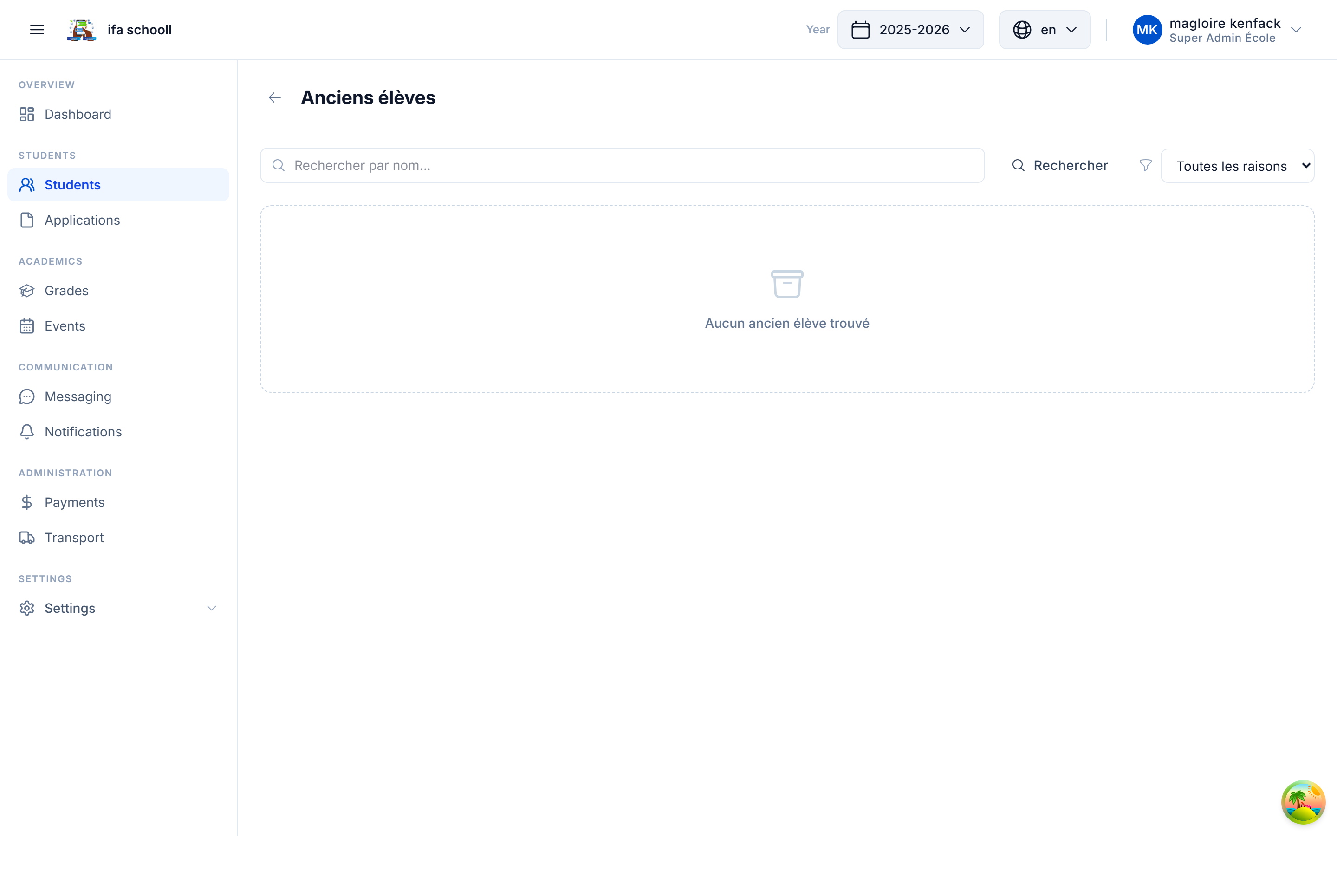
Accessing archives
- Go to Students
- Click on the "Archives" tab (or filter by archived status)
The table displays former students with:
- First name and last name
- Class at time of departure
- Archiving reason (Graduated / Excluded / Transferred / Manual / Administrative)
- Archiving date
- Academic year
Archiving reasons
| Reason | Description |
|---|---|
GRADUATED | Student graduated at end of cycle |
EXCLUDED | Student permanently excluded |
TRANSFERRED | Student transferred to another school |
MANUAL | Manual archiving by an administrator |
ADMINISTRATIVE | Administrative archiving |
Viewing a former student's file
Click on a former student to access their complete file:
- Personal information
- Full history (all years in this school)
- All published report cards
- All grades and attendance records
This data is kept permanently and cannot be deleted (regulatory compliance).
Restoring an accidentally archived student
If a student was archived by mistake, it is possible to restore them:
- Find the student in the archives
- Click "Restore"
- Enter a reason for restoration
- Confirm
The student reappears in the active list. You will need to reassign them to a class.
Cross-school academic record
The HEMLE academic record follows the student between schools. If a transferred student enrols in another HEMLE school, their history in your institution remains visible in their record via the HEMLE network.
Use the search bar to find a former student by name, first name or class. Filters by academic year and archiving reason are also available.